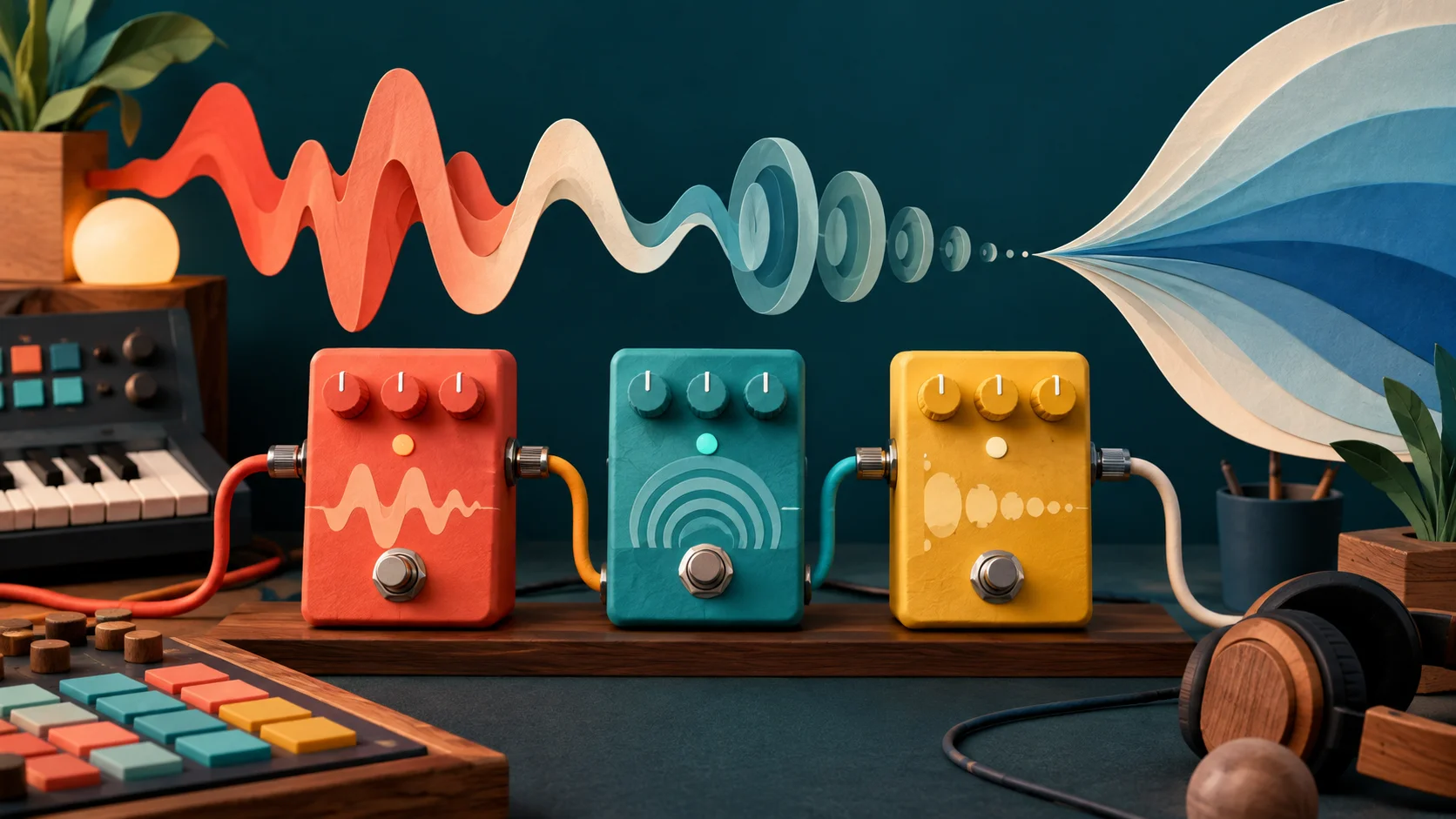
Here's a guitar through a drive. Pretend it's a pedal you love, and that you've just made a perfect capture of it: a model that learned its sound so well you can't tell them apart. Now reach for the pedal's knob.
Imagine you captured this pedal with Amount where it starts. Now raise Amount. What would the capture do when you turned the same knob?
Reach for the knob
Electric Guitar: Andy G. Cohen, CC BY
Before you read on: what does the capture do when you turn its Amount knob?
Nothing, because it doesn't have one. A capture learned what the pedal did at the setting you captured. Turn the real pedal and it changes. The capture can't follow, because the knob was never in what it learned. A capture is a photograph of one setting, and a very good photograph is still a photograph.
That one idea explains most of what captures do brilliantly and most of what they miss. They've changed how many guitarists work, carrying an amp they love onto a laptop or a pedalboard. Knowing what's in the photograph tells you when to trust it.
How does a model learn a pedal?
A capture is trained on paired recordings. You play a special test signal into the gear: sweeps, bursts of noise, snatches of guitar at different levels. You record what comes out. Now you have the question and the answer, side by side.
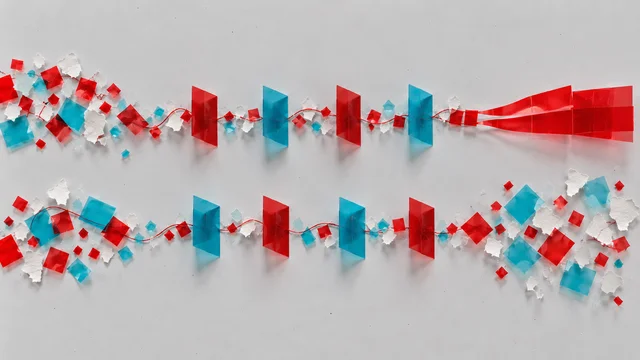
How a capture learns
The model plays the same test signal and makes its own guess at the output. Wherever its guess differs from the real recording, its internal numbers, the weights, get nudged. After many rounds, it can answer almost exactly as the gear did, for that test signal and anything like it.
Engineers call this black-box modelling, or system identification: learning what a box does from the outside, without opening it. The model knows nothing about tubes, transformers or diodes. It only knows that this went in and that came out.
A capture is one of three ways to make a digital drive, and it helps to see them side by side:
- A designed curve. Someone draws the shape of the clipping by hand and adds filters around it. Drive, above, works like this: a smooth curve you can push with Amount. It doesn't sound like any particular pedal; it sounds like itself.
- A modelled circuit. Someone simulates the real components, resistor by resistor. It's slow to build, but the knobs come for free, because the knobs are part of the circuit.
- A capture. Learned from recordings. Quick to make and uncannily close at the captured setting, but it only knows what it was played.
Why a curve isn't enough
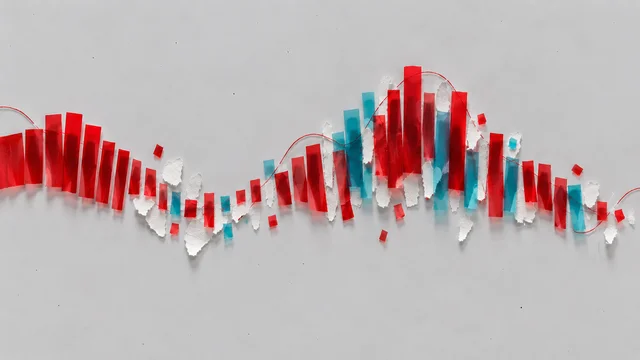
If drive is just a curve that bends the wave, why does a capture need a network at all? Here's what a simple curve looks like: input level along the bottom, output level up the side.
A drive curve
A curve gives the same answer to the same input every time, whatever happened a moment ago. A real amp doesn't. Hit a big chord and the power supply sags for a moment, so the next note comes out a little softer and squishier. The tone controls filter the sound before and after the clipping, so the drive reacts differently to bass and treble. A pedal's parts warm, charge and recover. The amp has memory: its answer depends on what you just played.
That's why captures use networks that look back in time, such as LSTMs or WaveNet-style models, sometimes a few milliseconds, sometimes much more. The furthest back a model can look is its receptive field. If something in the gear takes longer than that to happen, the model can't learn it. Signals and systems explains the two questions, "is it linear?" and "does it remember?", that make an amp so much harder to copy than an EQ.
What a capture misses
Now the photograph metaphor earns its keep. Here's what's usually outside the frame:
- The knobs. One capture, one setting. Some newer captures learn a knob or two by training on many captures at different positions, so the knob becomes an extra input. Even then, they only know the positions they were shown, and the space between is the model's guess.
- How the knobs interact. On a real amp, Gain and Bass change each other's effect. Capture each knob alone and you never learn what they do together.
- Your guitar's side of the cable. Real pedals react to the pickups and cable in front of them, and many players clean up their sound by rolling back the guitar's volume. A capture only knows the level and source it was made with. Play much harder or softer than the test signal did, and it's guessing.
- Anything that moves on its own. Tremolo, chorus, phaser, delay and reverb change over time, whatever you play. They aren't a fixed mapping from input to output, so captures are normally made with them switched off and added back afterwards.
- The cabinet and the room. An amp-only capture needs a speaker cabinet added after it, usually as an impulse response, a recording of how a speaker and mic colour sound. A full-rig capture includes the cabinet and mic, and you can't move the mic afterwards.
- Noise and hum. Some get captured; some get smoothed away. Either way, the model's noise isn't the real amp's noise.
Our take: captures are wonderful for a sound you already love and use at one setting, live or on a record. If you're still searching for the sound, turning knobs is the fun part, and a designed or modelled drive gives you more to turn.
The hidden costs: fizz and CPU
A capture is still a drive, and drives make new frequencies. When those new harmonics land above what the sample rate can hold, they fold back down as aliasing: a thin, fizzy, inharmonic edge that's worst on high notes. A network has no special immunity. Running it at a higher internal rate (oversampling) pushes the fold down, at the cost of more processing. Distortion and aliasing shows the fold happening and why Drive above runs at four times the sample rate.
Processing is the other cost. A capture network does much more arithmetic per sample than a simple curve. In a test we ran on a laptop with models from Neural Amp Modeler (NAM), an open-source capture project, one standard-size model processed guitar dozens of times faster than real time, and the smallest kind hundreds of times faster, before adding any cabinet or effects. That's plenty for one guitar on a computer. Stack several, add cabinets, or run on a phone or in a browser, and it adds up.
Compare it fairly
The most common way to judge a capture is the worst one: play the amp in the room, play the capture through headphones, and decide. Different input, different level, different speakers. It's no test at all.
A fair comparison holds everything still except the thing you're judging:
- Record one clean guitar take, straight from the guitar with no effects (a DI, or direct input).
- Play that same take through the real gear and through the capture. Re-playing a recorded DI through gear is called reamping.
- Match the levels before you listen. A capture that's 1 dB louder will sound "better" to almost everyone.
- Listen to playing, not one chord. Soft picking, a hard dig-in, a chord left to ring, a palm-muted chug. That's where memory and dynamics show up.
Switch between Dry and Drive with the level matched. Is the difference you hear tone, or loudness?
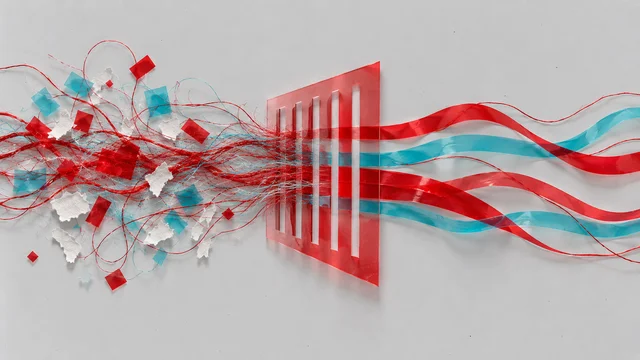
Same take, same level
Electric Guitar: Andy G. Cohen, CC BY
The same discipline you'd use on any effect works here; Listening and comparing goes through it step by step, including how to hide which version is which.
Make it yours
Start with a sound you can turn. Set Drive above to a tone you'd actually use, a gritty rhythm sound or a fat lead, and press Save, naming it after the job ("crunch for verses"). Then write down, next to it, what a single capture of that sound would and wouldn't hold: the setting, yes; the Amount knob, no; the echo you'd add after it, no.
If you own a pedal or amp you love, plan a capture of it as if you were going to make one:
- Which settings? Pick the two or three you actually use. Each is its own capture.
- What level? Play the test at the level you really play, guitar volume where you leave it.
- What to switch off? Any modulation, delay or reverb. Write them down so you can add them back.
- Full rig or amp only? Decide whether the cabinet and mic are part of the photograph.
That plan is most of the work. The training itself is the quick part.
Quick check
- A friend's capture sounds exactly like their amp at the gig, but when they turn the Gain knob on the capture, nothing much happens. Is it broken? No. A capture of one setting learned that setting only. To have a working Gain knob, you'd need captures at several Gain positions, or a model trained to take Gain as an input.
- You capture your amp with its spring reverb switched on. Why might the reverb sound odd in the capture? Reverb tails last much longer than most capture models can look back, and a spring wobbles in ways a fixed input-to-output mapping can't hold. Capture with the reverb off and add a reverb afterwards.
- The capture sounds fuller than your amp in a quick A/B. What would you check first? Level and input. Make sure both are playing the same recorded DI take, and match their loudness. A small level difference, or a harder strum on one side, can be the whole difference.
Next steps
- Go deeper: Training on your own sounds. A capture learns one mapping from a few minutes of audio. What would a model need to learn a whole instrument, and could you train one?
- Use it: A guitar drive pedal. Build a drive you can turn: tone, grit and a slapback echo, step by step.