Connect your interface to your engine
Make controls drive the audio engine, reflect parameter changes, and restore saved settings. Reuse knobs, faders, meters, and scopes rather than building every control from scratch.
Explore the UI kit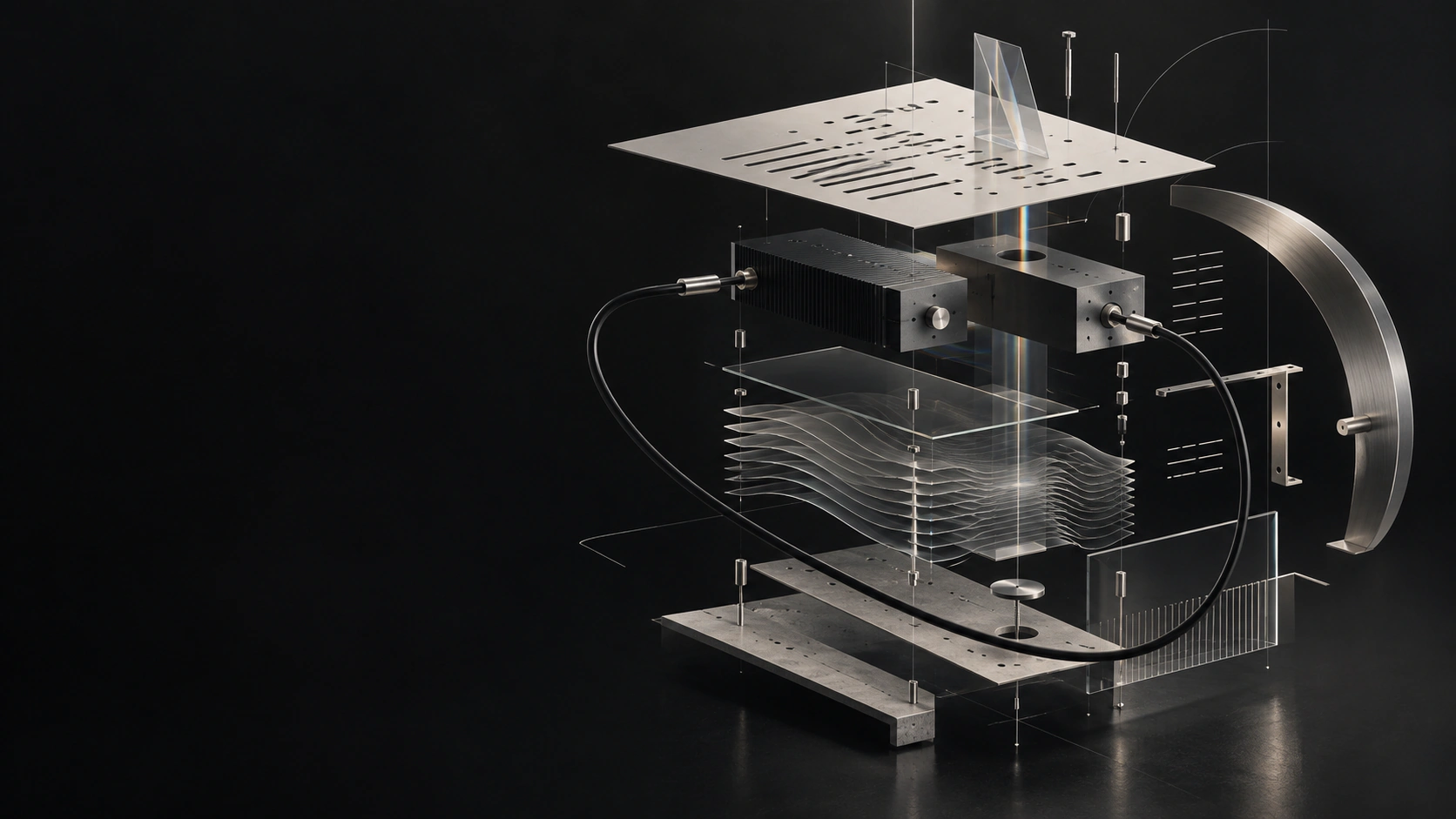
Make controls drive the audio engine, reflect parameter changes, and restore saved settings. Reuse knobs, faders, meters, and scopes rather than building every control from scratch.
Explore the UI kitLet users request generated audio or MIDI within your product. For supported models, reuse job progress, cancellation, and result handling; we can build the adapter needed to connect your model.
Resolve audio, MIDI, or saved-state behavior that works in isolation but fails in the application or DAW. Add repeatable checks for the intended host, format, and operating system.
We work in your existing codebase and test the feature inside the product. Shared controls, audio contracts, model-job handling, and test tools can reduce the work your team has to assemble and maintain.
You receive the source changes, repeatable tests, setup instructions, and notes on dependencies and known limits. We agree what the feature needs to do with your technical owner before implementation.
Explore the developer toolsFAQ
Share the feature, your current stack, and where it needs to run. Tell us what already works, what is blocked, and the milestone you are working toward.
Sign in to share your integration brief.