Turn a recording into an instrument
That recording doesn't have to stay in a folder. Learn how to choose a useful fragment, shape its attack and release, and turn it into notes you can play.
6 lessons · Free guides · Learn at your own pace
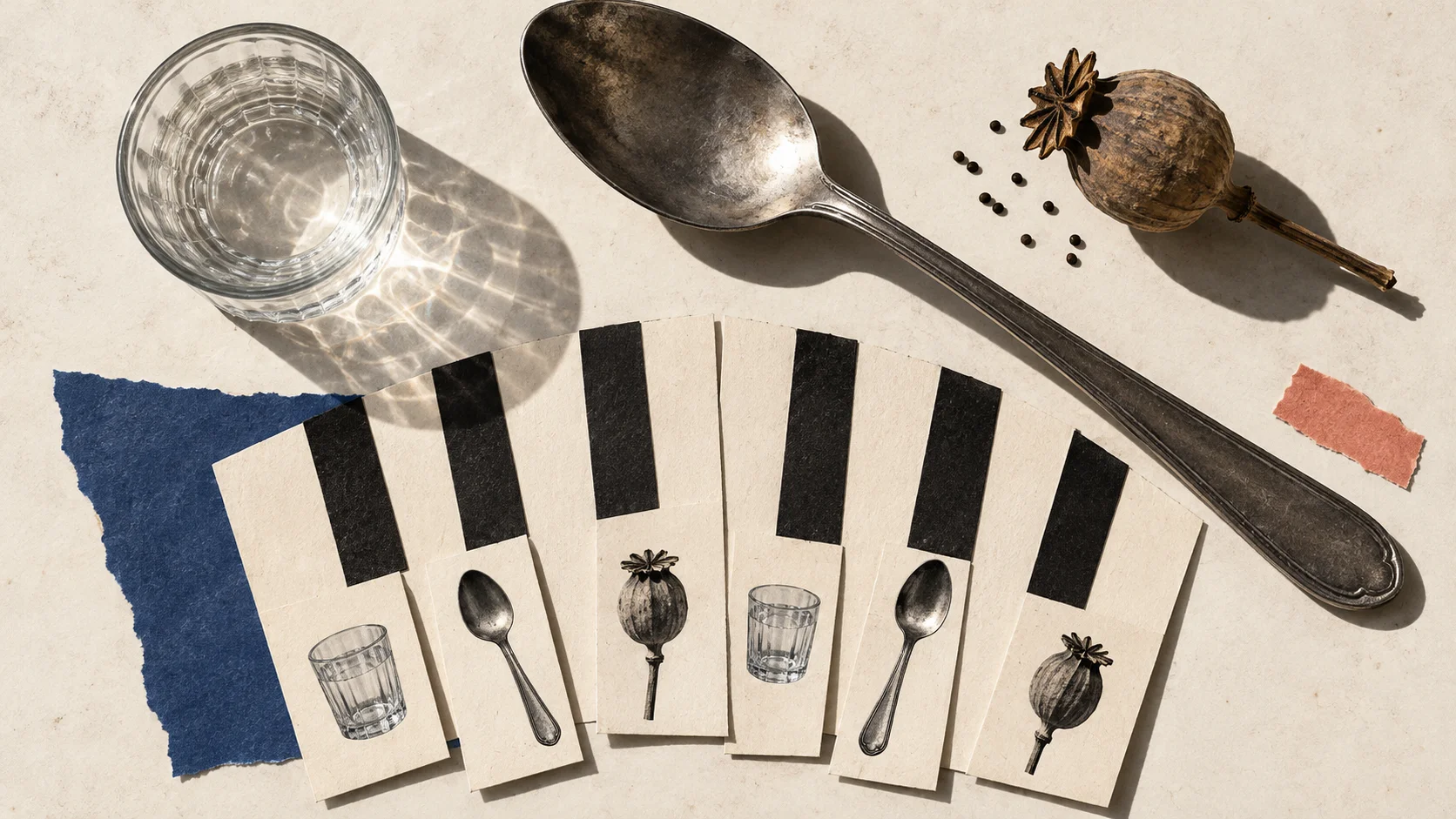
Your lessons
Start with a recording you can use, or follow the examples before recording your own.
Choose and prepare your sound
A playable instrument starts with a useful fragment. Learn what to preserve so editing does not erase the sound you liked.
Sampling an instrument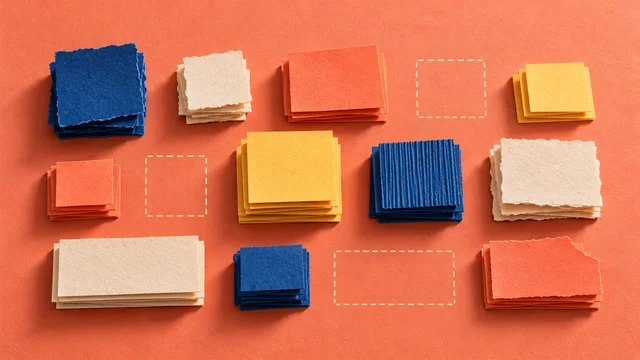
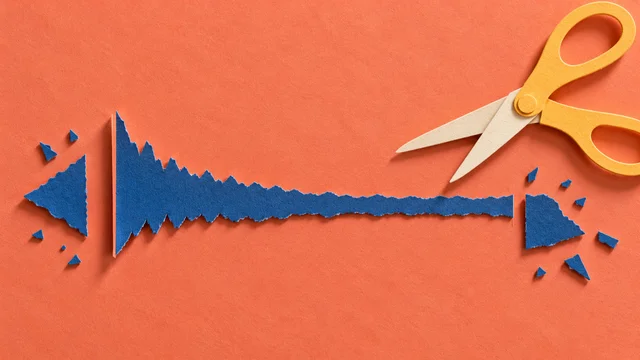
Give it notes and expression
Mapping and note endings turn a recording into an instrument. These choices decide how it responds when you play.
Sampling an instrument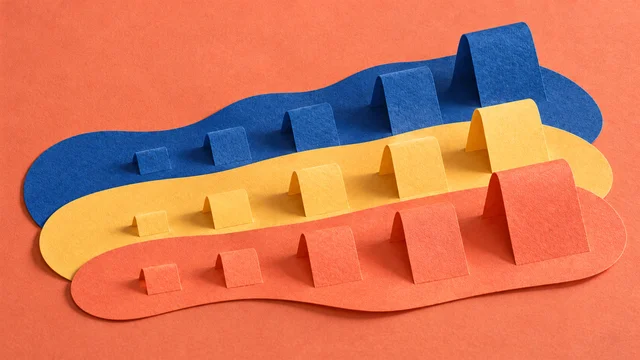
Give the instrument a musical job
The instrument becomes useful in a phrase. Choose a part that suits its range and articulation.
Beats, MIDI and performance
What you can put into practice
Know how to prepare a small playable instrument from one recorded source.
Give a favourite sound a musical job
Learn which fragment to keep and how to shape it into a part you can actually use.
Keep the character you recorded
Understand attacks, playable ranges and note endings so editing preserves what drew you to the sound.
Make something that feels like yours
Turn a personal recording into an instrument or texture you can return to across different pieces.
A cup tap becomes a melodic part
Follow one short recorded sound from a clean fragment to mapped notes, then give it a place in a phrase.
1Keep the useful fragment
Choose one clear sound. Trim the silence around it while keeping the attack that gave it its character.
Preparing samples2Give the sound notes
Set a root note and try nearby pitches. Keep the range where the sound still feels useful.
Key and velocity mapping3Write a short phrase
Play the sound in a phrase with gaps between the notes. Adjust the endings so the phrase breathes.
Composing with a sampled library
Listen for this: The notes should start cleanly, end deliberately and belong in the phrase. If one pitch sounds awkward, narrow the range before adding more samples.
Take the idea further
A first sampled instrument
Carry the full process through a small instrument: recording, editing, mapping and writing a part for it.
Granular synthesis
Want a texture instead of pitched notes? Explore stretching and scattering fragments of a recording.
Shipping a sample library
Make the instrument understandable to someone else, with useful presets, credits and a clear first sound.
Common questions
- Do I need a studio or a new microphone?
- Start with a recording you already have permission to use. A short, clear sound is enough to explore editing and mapping before planning a larger recording session.
- What if my recording does not work as a pitched instrument?
- Keep the range that sounds useful, or use the sound as percussion. If you want a sustained texture, the granular synthesis guide offers another way to work with it.
Read the guides for free, without an account. Choose the lessons you need, try the ideas in your own music and return whenever you get stuck.
Start learning for free