Maru Sampler
Sampling, expanded.
Turn recordings into playable instruments, from acoustic pianos to drum kits and creative pads. Build them, play them, share them.
Feature-packed.
Mapping
- Key zonesEach sample covers a range of keys from its own root note.
- RepitchingSamples play in tune across their range. Fine-tune each one to the cent.
- Velocity layersSeveral recordings per key, chosen by how hard you play.
- Round robinRepeated notes cycle, shuffle or pick at random between alternate takes.
- ArticulationsKeyswitches change the playing style from the keyboard.
Playback
- Any sample rateEach recording keeps its own rate. Pitch is corrected for your audio device.
- Sustain loopsLong notes hold on a loop, with a crossfade at the loop point.
- One-shots and choke groupsDrum hits play to the end. A closed hi-hat can cut off an open one.
- VoicesSet a voice limit per note. Repeated notes layer or restart.
- Stereo samplesSoonRecordings play in stereo. Today they play in mono, each with its own pan.
- Built-in effectsSoonProcessing inside the sampler, without a separate plug-in.
Expression
- Velocity responseFrom a fixed level to the full dynamic range of the recordings.
- Pitch bendUp to two octaves.
- Mod wheel and aftertouchWheel and pressure change the level.
- MIDI controllersMap knobs and faders to Level, Attack, Release and Transpose.
- Per-note MPESoonBend and shape each note on its own with an MPE controller.
Works everywhere.
In your DAW
Load it into the Maru Sampler plug-in in your music software.
Share a link
Anyone can play it in the browser, with nothing to install. Send it to get feedback.
Edit it on the web
Change it in Studio with the agent or by hand. Anyone can copy a shared instrument and make their own.
Patch it
Connect it to sequencers, effects and other modules in a rack.
On hardware
Export the sampler to run as a native app or on custom hardware.
Open format. Anyone can build on it. Studio also opens Decent Sampler and SFZ instruments, and WAV, AIFF or FLAC recordings.
How instrument banks workBuild it with the agent.
Skip the tedious part. Drop in your recordings and the agent sets up the instrument. Take over by hand whenever you like.
Mapping, done for you
Drop in your recordings. Note names in the filenames, or the agent, place each one on the right key and velocity layer.
Gaps filled
The agent stretches nearby samples across missing notes, and generates new sounds when you need more.
Variations
Alternate takes for repeated notes, and presets such as a softer piano, set up on request.
Checked by ear
The agent measures the pitch of each sample and suggests root notes, so the instrument plays in tune.
Fine-tune every detail
- Sample treatment
- Tweak each sample: tuning, level, pan, start and end points, attack and release, a resonant filter and reverse.
- Instrument sound
- Shape the overall level, attack, release and transpose, the velocity response, and how pitch bend, mod wheel and aftertouch respond.
- Presets
- Save variations of the same sounds, like a softer piano or a tighter kit.
- Artwork
- A cover that shows wherever the instrument is played or shared.
Studio is in private beta.
Custom instruments.
The sampler is also a set of building blocks. Developers can add their own effects, processing and interface, and release the result as a separate instrument. Export to each plug-in host is still being tested.
Instruments built with the sampler
Early releases. Each one opens in a new tab.
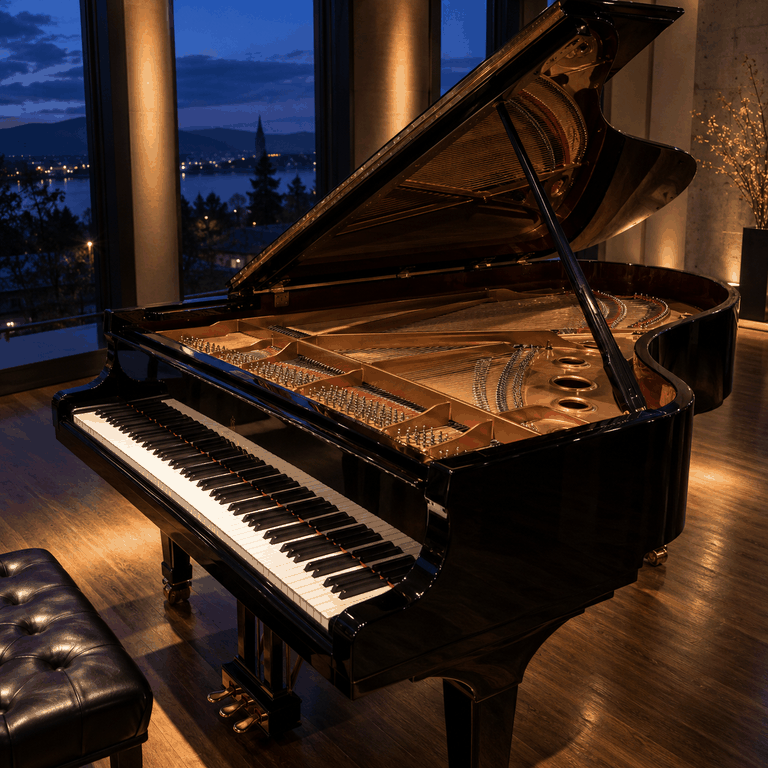
Salamander Expression
Salamander Expression
24 sounds · Instrument
Alexander Holm
Play in new tab
Concert Harp
Concert Harp
17 sounds · Instrument
Performer K. Smith; Versilian Studios; FreePats assembly by Roberto
Play in new tab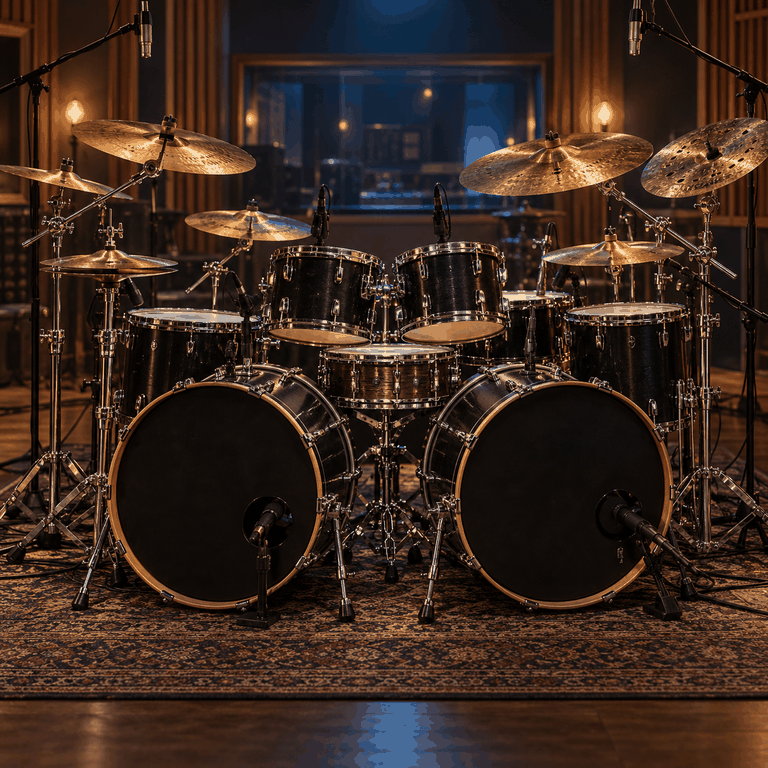
Muldjord Kit
Muldjord Kit
62 sounds · Drum kit
Recorded by Lars Muldjord; stereo SFZ assembly by Roberto for FreePats
Play in new tab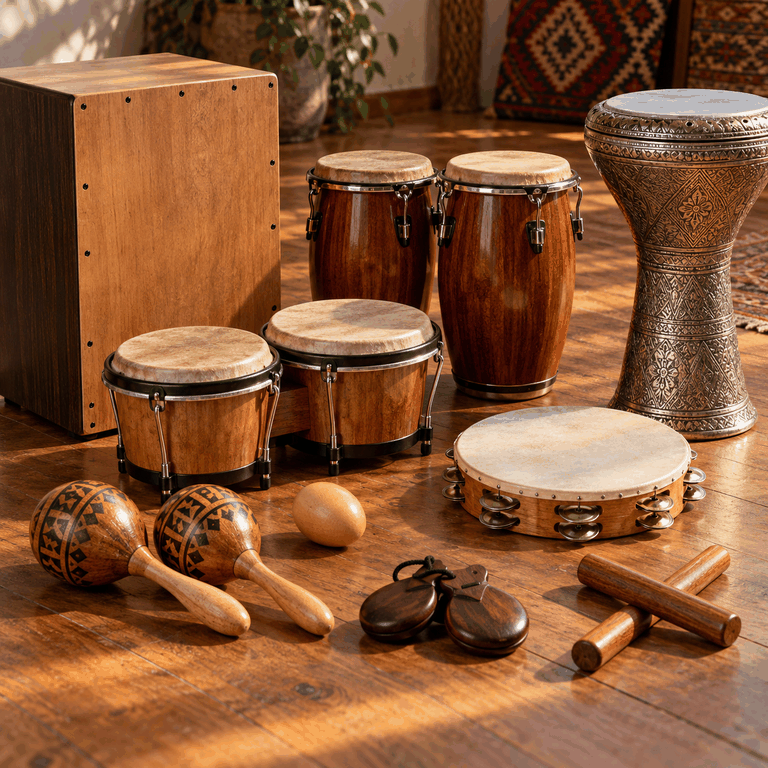
World Percussion
World Percussion
34 sounds · Drum kit
Xavimart, Gonzalo and Roberto; Claves and Conga from Versilian Community Sample Library
Play in new tabFAQ
Frequently asked questions
Playing, creating and sharing instruments.
Build one of the first instruments.
Bring recordings or a Decent Sampler or SFZ library, shape it in Studio and publish it.